HTML forms :
Introduction to forms:
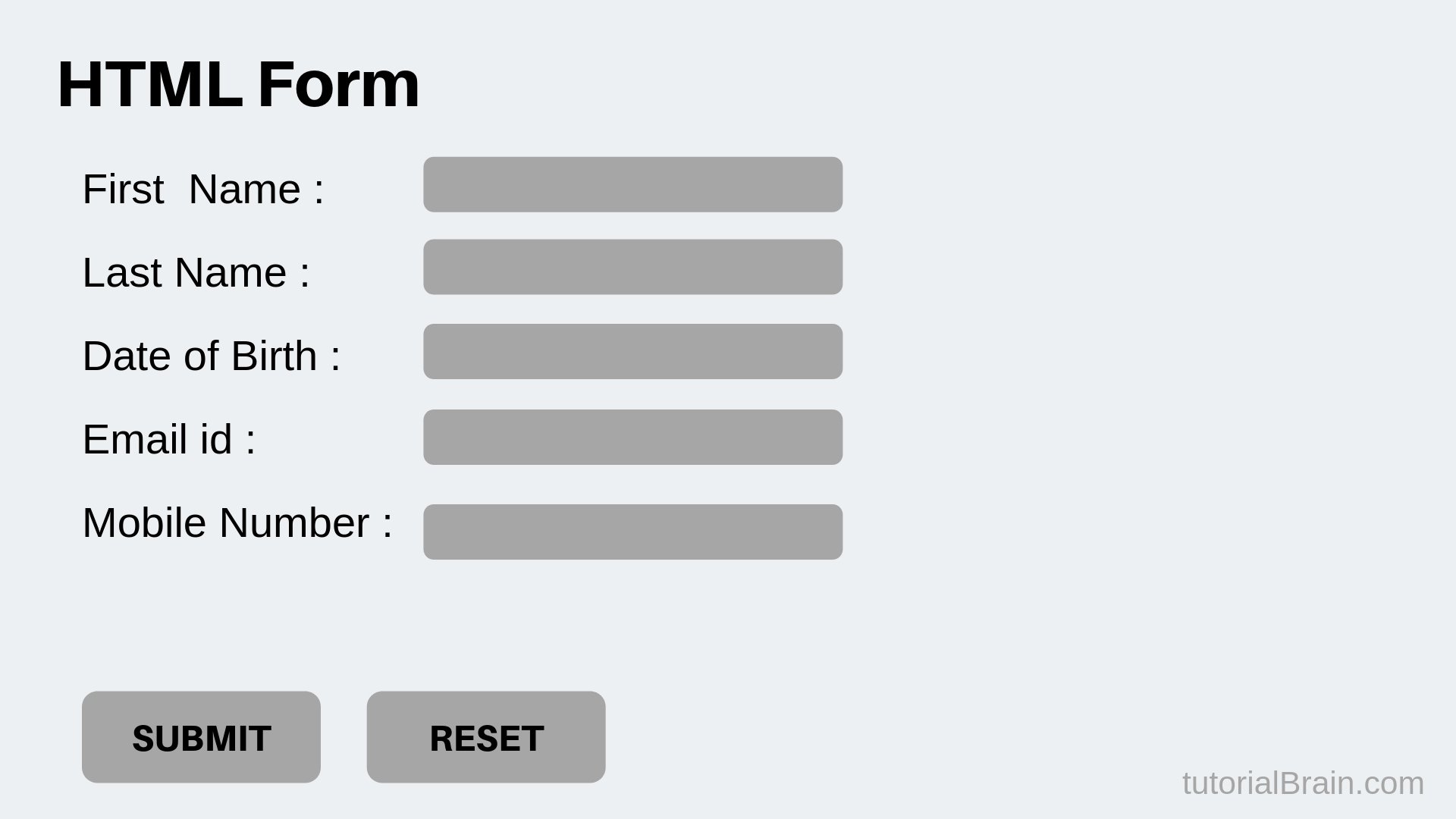
An HTML form is a section of a document containing normal content, markup, special elements called controls (checkboxes, radio buttons, menus, etc.), and labels on those controls. Users generally “complete” a form by modifying its controls (entering text, selecting menu items, etc.), before submitting the form to an agent for processing (e.g., to a Web server, to a mail server, etc.).
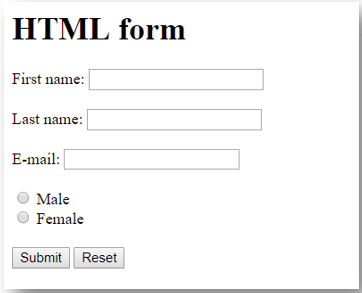
HTML Form Controls:
There are different types of form controls that you can use to collect data using HTML form:
- Checkboxes Controls
- Radio Box Controls
- Select Box Controls
- File Select boxes
- Hidden Controls
- Clickable Buttons
- Submit and Reset Button
Password input controls
This is also a single-line text input but it masks the character as soon as a user enters it. They are also created using HTML input tag but type attribute is set to password.

Multiple-Line Text Input Controls
Checkbox Control: Checkboxes are used when more than one option is required to be selected. They are also created using HTML input tag but type attribute is set to checkbox.
<!DOCTYPE html>
and many other attributes you can check them: at w3schools
Events in JavaScript
When the page loads, it is called an event. When the user clicks a button, that click too is an event. Other examples include events like pressing any key, closing a window, resizing a window, etc.
Developers can use these events to execute JavaScript coded responses, which cause buttons to close windows, messages to be displayed to users, data to be validated, and virtually any other type of response imaginable.
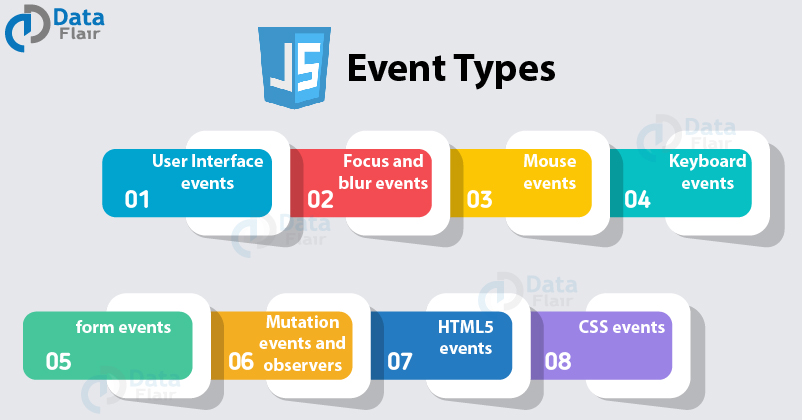
Types :
- onclick Event Type
- onsubmit Event Type