Java Script Error Handling & Debugging
When you are writing JavaScript, do not expect to write it perfectly the first time. Programming is like problem solving you are given a puzzle and not only do you have to solve it, but you also need to create the instructions that allow the computer to solve it too.
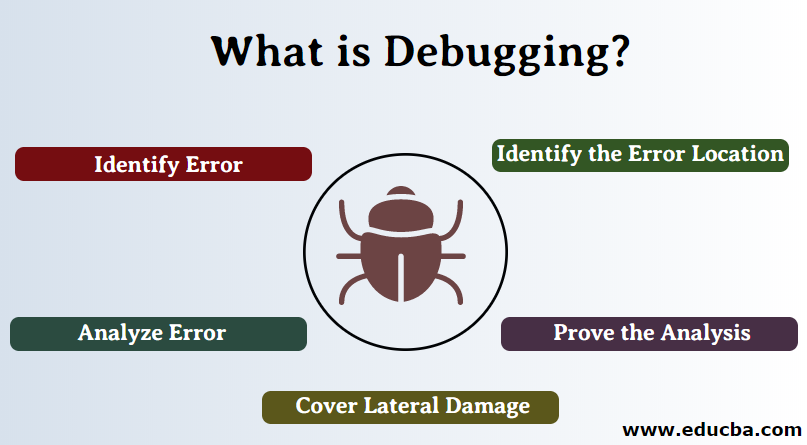
Debugging :
You’ve designed your solution and written the code. You start to load it into the browser with high hopes and excitement, only to be faced with an big ugly box telling you that there’s an error. So where do you start? you should find an error by yourself and search on it by several tools maybe or manually by looking line by line.
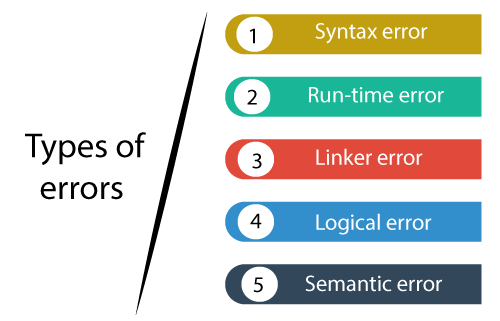
Types of Errors :
1. Syntax Errors : Ordinarily, objects containing script are compiled as they are loaded, and are then immediately executed. Errors can occur at either stage of the process. And although the distinction between compile-time and runtime errors is rapidly losing its importance (error messages, for instance, describe only runtime errors, even if they occur at compile time).
2. Logical Errors : Logical errors are caused by code that is syntactically correct—that is to say, the code itself is legal—but the logic you have used for the task at hand is flawed in some way. There are two categories of logical errors: first, there are logical errors that simply produce the wrong program results; then there are the more serious ones that generate an error message bringing the program to a halt.
HOW TO DEAL WITH THEM?
1. DEBUG THE SCRIPT TO FIX ERRORS: If you come across an error while writing a script you will need to debug the code, track down the source of the error, and fix it.
2. HANDLE ERRORS GRACEFULLY: You can handle errors gracefully using try, catch, throw, and f i na 1 ly statements.
So Every time you want to do debugging you should use console.log because as they said console.log is your best friend at such hard times, so this will help you to debug more faster and know where the errors exactly at wich line.

STEPPING THROUGH CODE:
If you set multiple breakpoints, you can step through them one-by-one to see where values change and a problem might occur.

DEBUGGER KEYWORD:
You can create a breakpoint in your code using just the debugger keyword. When the developer tools are open, this will automatically create a breakpoint.

THROWING ERRORS:
If you know something might cause a problem for your script, you can generate your own errors before the interpreter creates them. also If you know that you may get an error, you can handle it gracefully using the try, catch, finally statements. Use them to give your users helpful feedback.
