Assorted Topics
Images:
-
How to control images size using CSS :
We can resize the image by specifying the width and height of an image. A common solution is to use the max-width: 100%; and height: auto; so that large images do not exceed the width of their container.

-
How to align the image ?
Aligning an image means to position the image at center, left and right. We can use the float property and text-align property for the alignment of images.
-
How to add a background image ?
To set the background image of a webpage, use the CSS style. Under the CSS (style) tag, add the property background-image. The property sets a graphic such as jpg, png, svg, gif, etc.
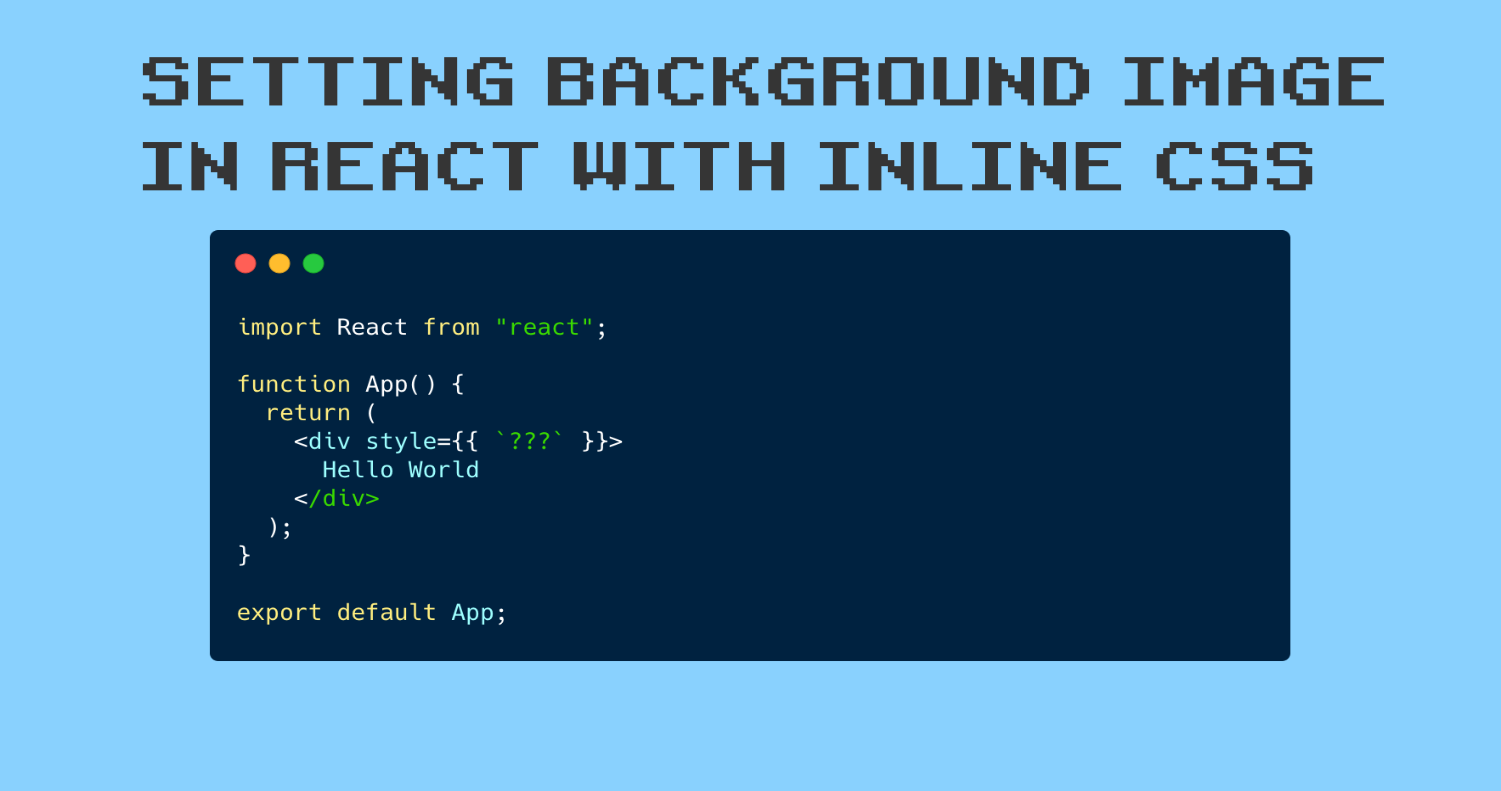
-
Contrast of background images:
If you want to overlay text on a background image, the image must be low contrast in order for the text to be legible.

** Note : X To reduce the number of images your browser has to load, you can create image sprites.
Practical information:
-
What is “search engine optimization”?
SEO stands for search engine optimization, which is a digital marketing strategy that focuses on your website’s presence in search results on search engines like Google. When you understand how SEO works, you can use different tactics to increase your visibility.

-
Analytics: Learning about your Visitors:
As soon as people start coming to your site, you can start analyzing how they found it, what they were looking at and at what point they are leaving. One of the best tools for doing this is a free service offered by Google called Google Analytics.

-
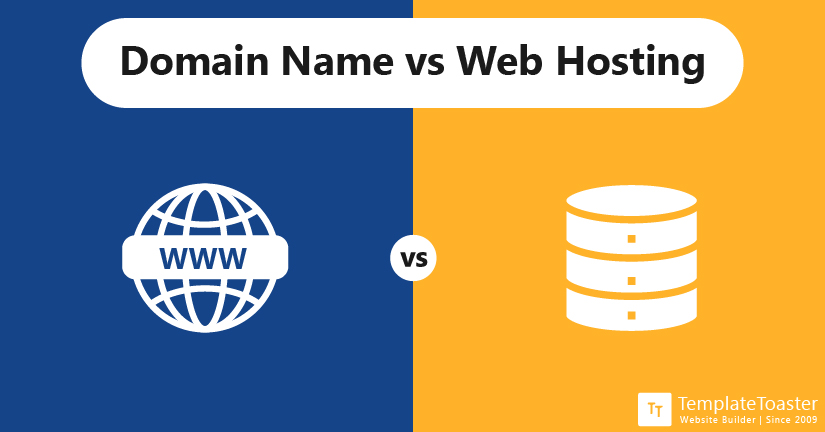
Domain Names & Hosting what is the difference between them ?
Web hosting and domain hosting, though closely related, are two different services. Web hosts allow users to create and store content, like a website, on Internet servers. Domain hosts provide domain names, which help visitors access your web content.
1. Web Hosting: A web Hosting is an account on a computer (aka server) that can store and serve website files via the Internet.
2.Domain Names: A domain name is a string of text that maps to a numeric IP address, used to access a website from client software.
Additional info : Many companies provide platforms for blogging, email newsletters, e-commerce and other popular website tools (to save you writing them from scratch).
Flash, Video & Audio:
-
How Flash Works?
Whether you are creating an animation or a media player in Flash, the files you put on your website are referred to as Flash movies. If you want to create your own Flash movie, you need to purchase the Flash authoring environment from Adobe.To view Flash, browsers need to use a plugin (an extra piece of software that runs in the browser) called the Flash Player. Statistics commonly indicate that 98% of browsers on desktop computers have the Flash plugin installed. (The percentage of mobiles and tablets with it is much less.)
