FileIO & Exceptions
Read & Write Files in Python
What Is a File ?
At its core, a file is a contiguous set of bytes used to store data. This data is organized in a specific format and can be anything as simple as a text file or as complicated as a program executable. In the end, these byte files are then translated into binary 1 and 0 for easier processing by the computer.
Files on most modern file systems are composed of three main parts:
- Header:
metadata about the contents of the file (file name, size, type, and so on)
- Data:
contents of the file as written by the creator or editor
- End of file (EOF):
special character that indicates the end of the file
File Paths :
- Folder Path:
the file folder location on the file system where subsequent folders are separated by a forward slash / (Unix) or backslash \ (Windows)
- File Name:
the actual name of the file
- Extension:
the end of the file path pre-pended with a period (.) used to indicate the file type
Opening and Closing a File in Python :
When you want to work with a file, open() has a single required argument that is the path to the file.open() has a single return
file = open('dog_breeds.txt')
You should always make sure that an open file is properly closed.
When you’re manipulating a file, there are two ways that you can use to ensure that a file is closed properly, even when encountering an error.
The first way to close a file is to use the try-finally block:
 reader = open('dog_breeds.txt')

 try:

 # Further file processing goes here finally:

 reader.close()
The second way to close a file is to use the with statement:
  with open('dog_breeds.txt') as reader:
  # Further file processing goes here

  # Exceptions in Python
A Python program terminates as soon as it encounters an error. In Python, an error can be a syntax error or an exception.
Exceptions versus Syntax Errors
Syntax errors occur when the parser detects an incorrect statement.
Raising an Exception
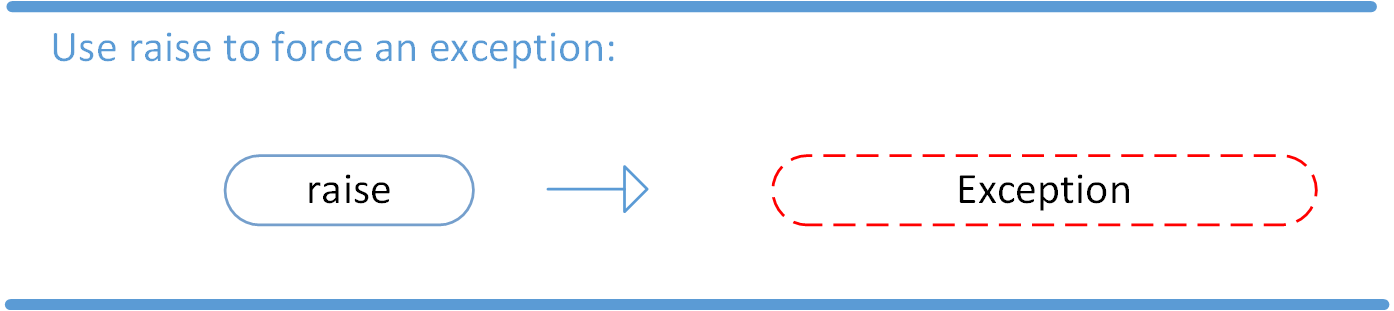
We can use raise to throw an exception if a condition occurs.
The AssertionError Exception
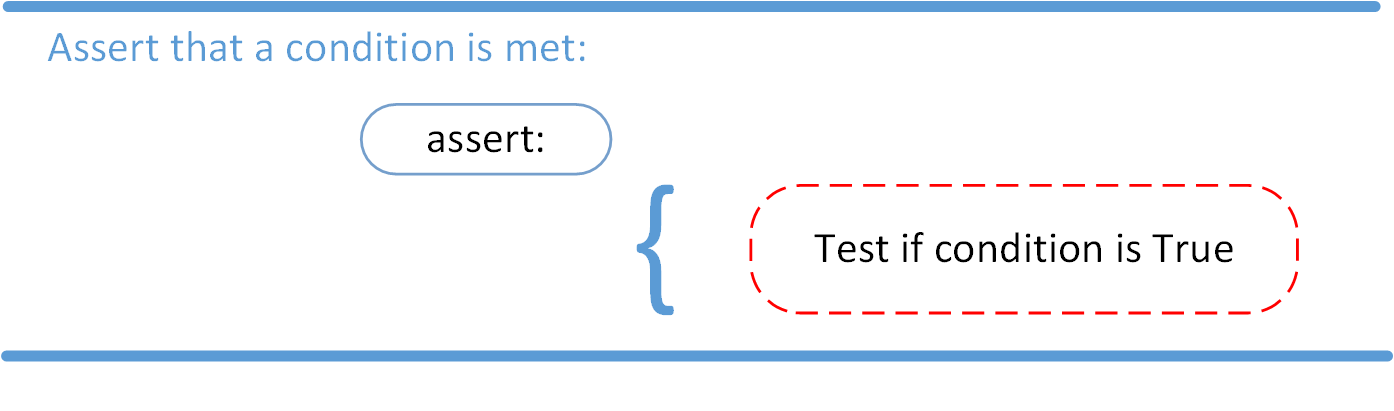
Instead of waiting for a program to crash midway, you can also start by making an assertion in Python. We assert that a certain condition is met. If this condition turns out to be True, then that is excellent! The program can continue. If the condition turns out to be False, you can have the program throw an AssertionError exception.
The try and except Block: Handling Exceptions
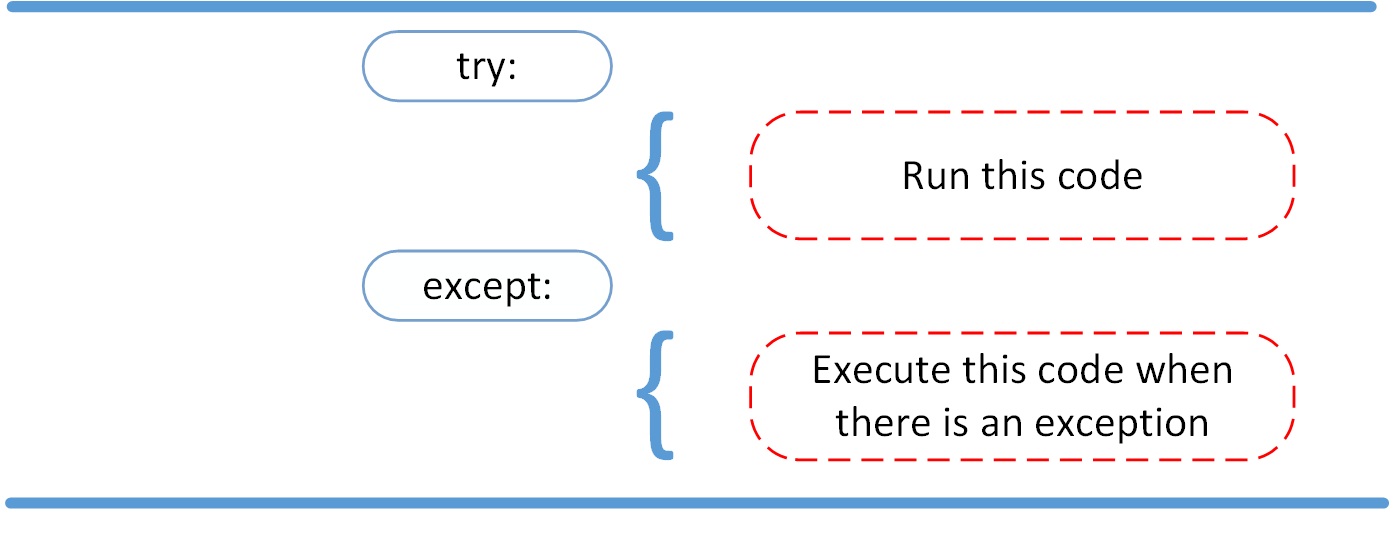
The try and except block in Python is used to catch and handle exceptions. Python executes code following the try statement as a “normal” part of the program. The code that follows the except statement is the program’s response to any exceptions in the preceding try clause.